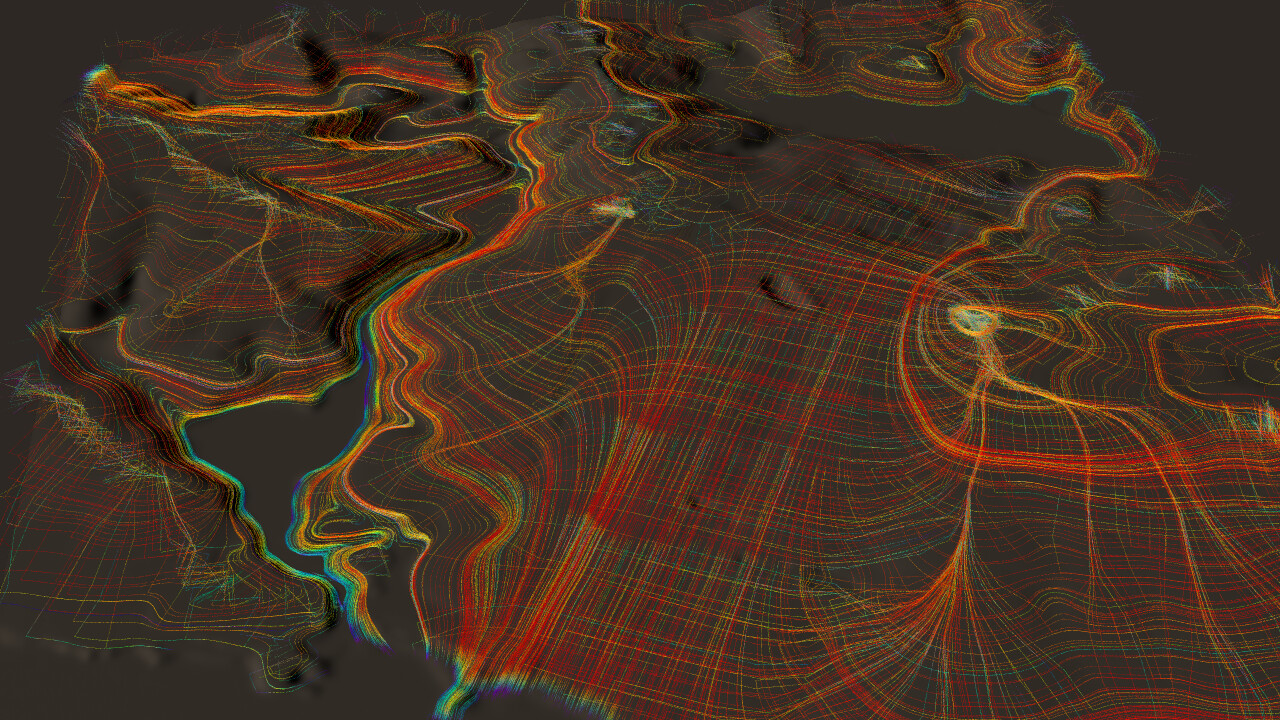
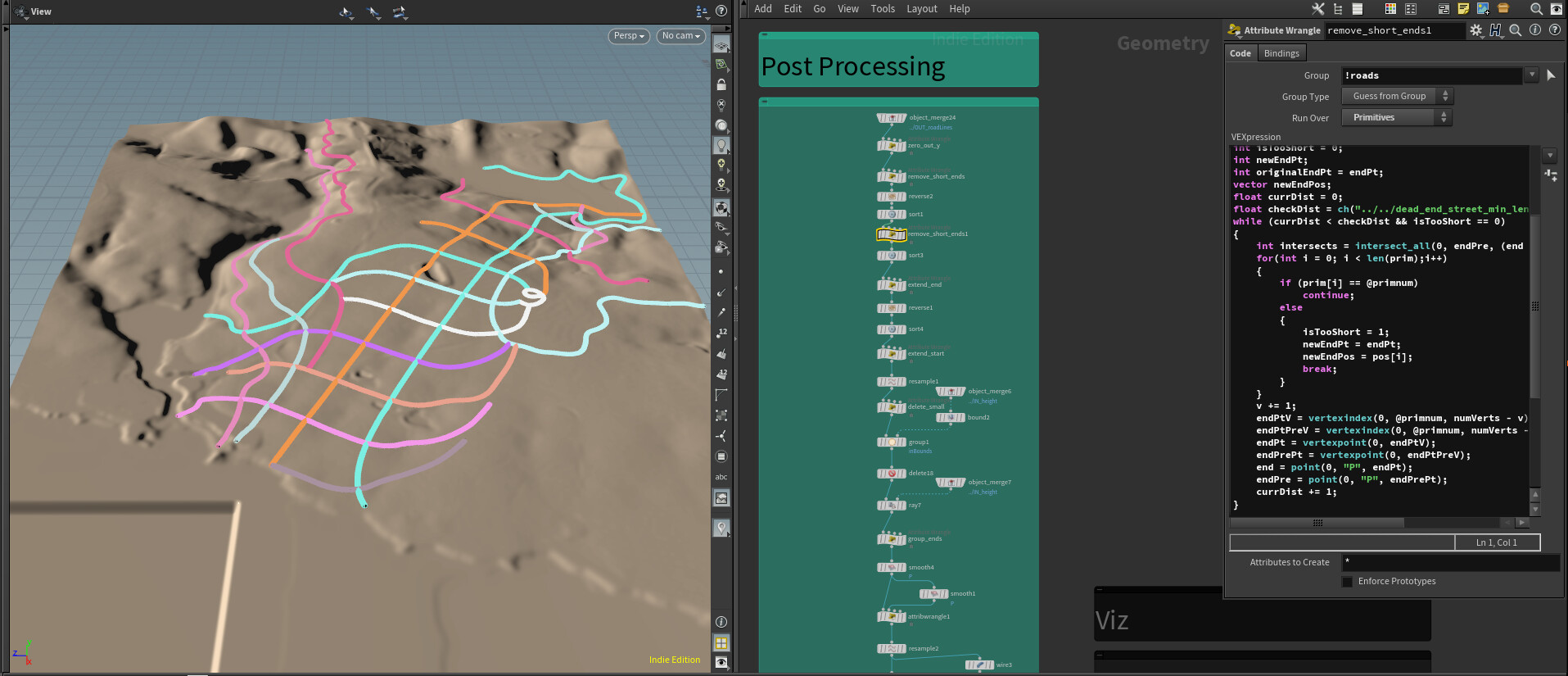
In the course of my work building out the world for Frameshift, we needed the roads to be able to span various large gaps in the terrain, like rivers and canyons. The causeway bridge generator in the previous post is good for things like overpasses and small bridges, but we needed another solution for large bridges. This is where the Arch Bridge tool comes in.

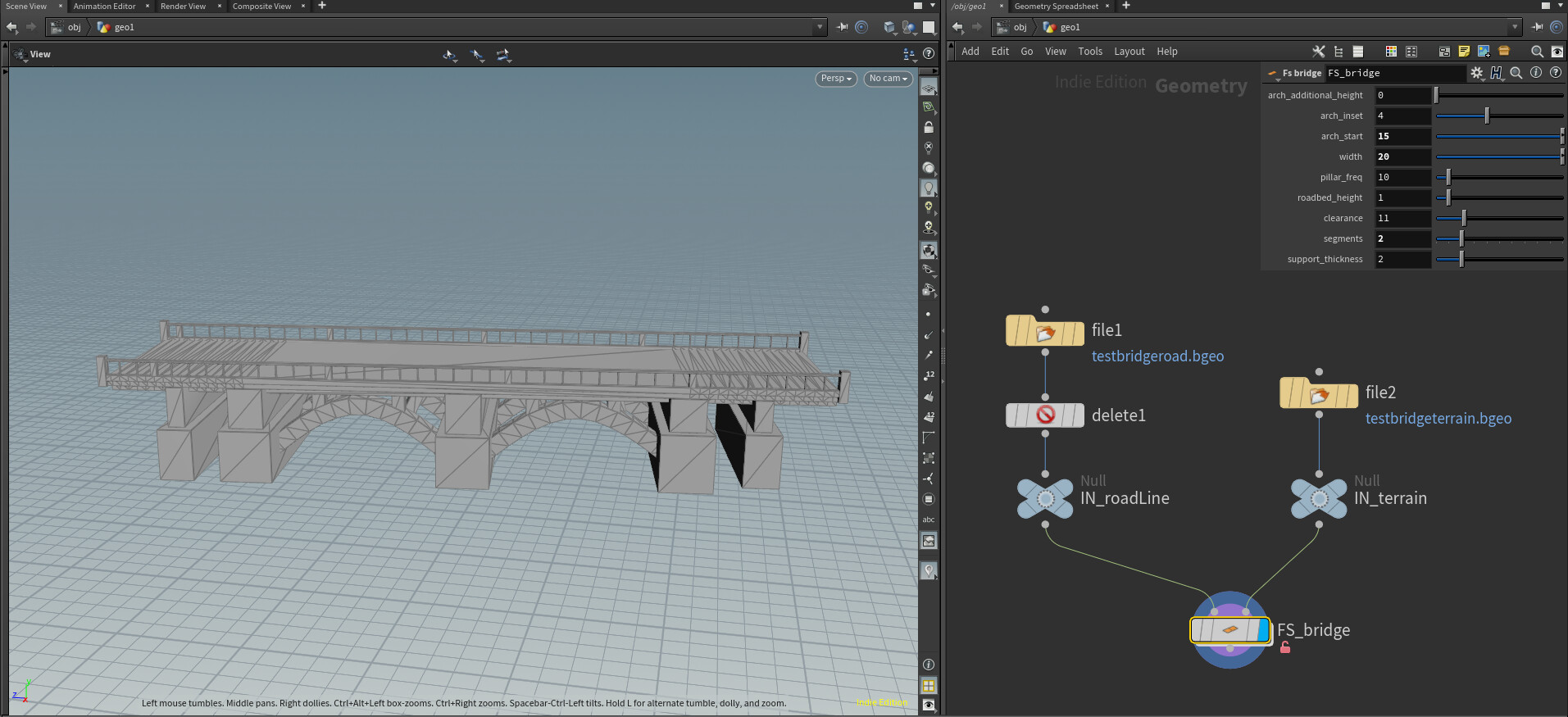
The Arch Bridge SOP is packaged up as an asset for use on the geometry level inside Houdini, and it is placed inside the Road Mesh Generator tool that was outlined in the last post. As input, it takes a curve that it should build the bridge along and the terrain that the bridge will sit on. It has various parameters to control the look of the bridge:
The first thing I do with the input curve is separate out the ends of the bridge. If you look at references for arch bridges, you'll notice most of them have short curved sections at the beginning and end so that the arch portion of the bridge can be a straight shot. That is what I'm doing here.

Next I start on making the curves for the arches. First I delete the ends (since the arches are only on the straight portion of the bridge), then resample the curve using the number of segments (arches) I would like.

Carve it to get a primitve for each section, and resample so each section has two segments (3 points). The middle point will be used as the apex of the arch.
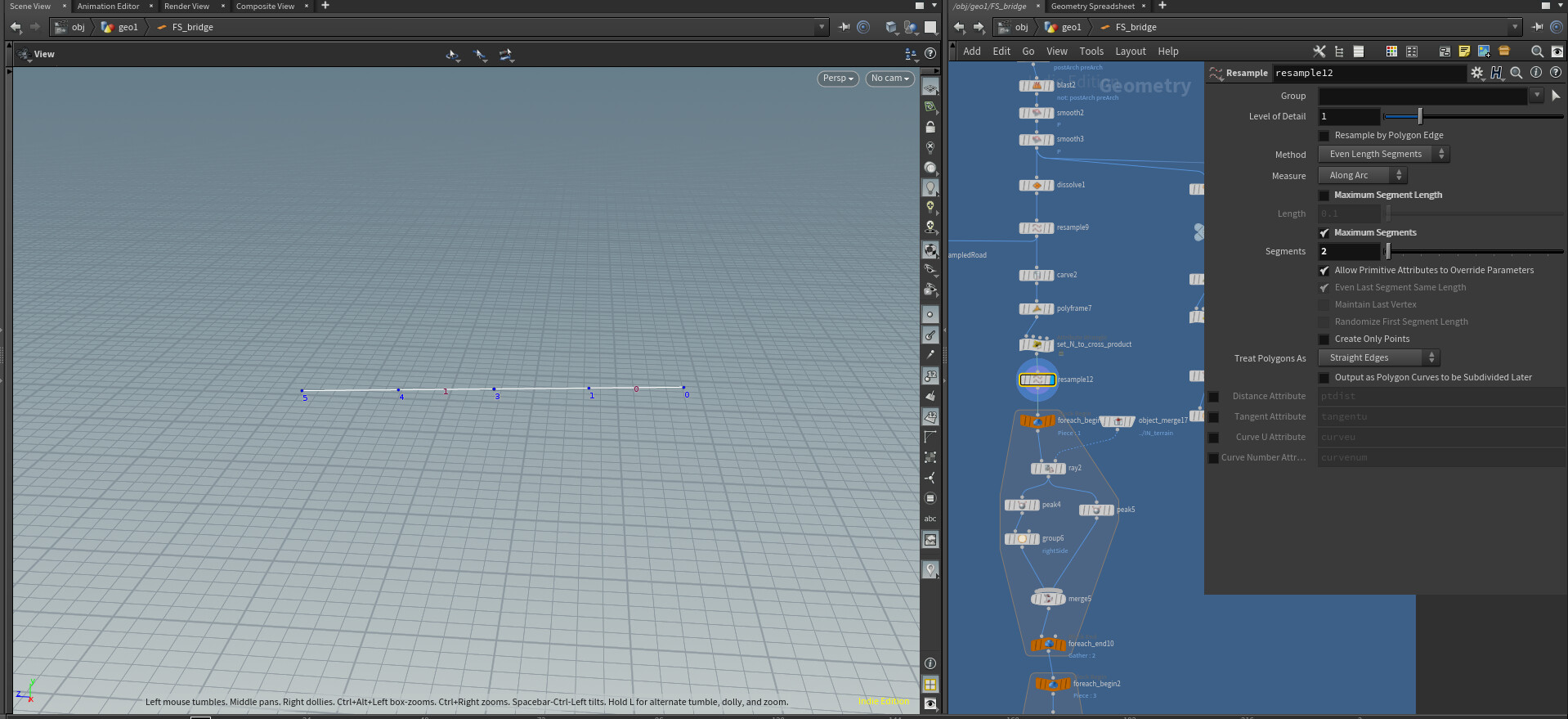
Next, ray the non-apex points to the terrain that the bridge will sit on. I also make two copies by using Peak to move the arch to the side of the bridge, and another Peak to move it to the opposite side, then merging them back together.

Then resample the segments using "Subdivision Curves" to get the final arch curves.

I resample again using my "pillar frequency" control to get points that I will instance pillars to.

Now that I have all the points and curves that I need, I can start working on the geometry. The roadbed is just a line swept along the original curve, using my roadbed width parameter to control the length of the line.

Using my original resampled curve where I created the arch "segments", I instance large supports that will be at the base of each arch. The vex code below makes sure the bottom of each pillar is aligned to its lowest point (after a ray dropping it to the terrain) so that the bottoms don't stick up above the terrain but remain rectangular.

To create the arch geometry, I sweep a square along the arch curves. My parameter for support thickness controls the size of the square.
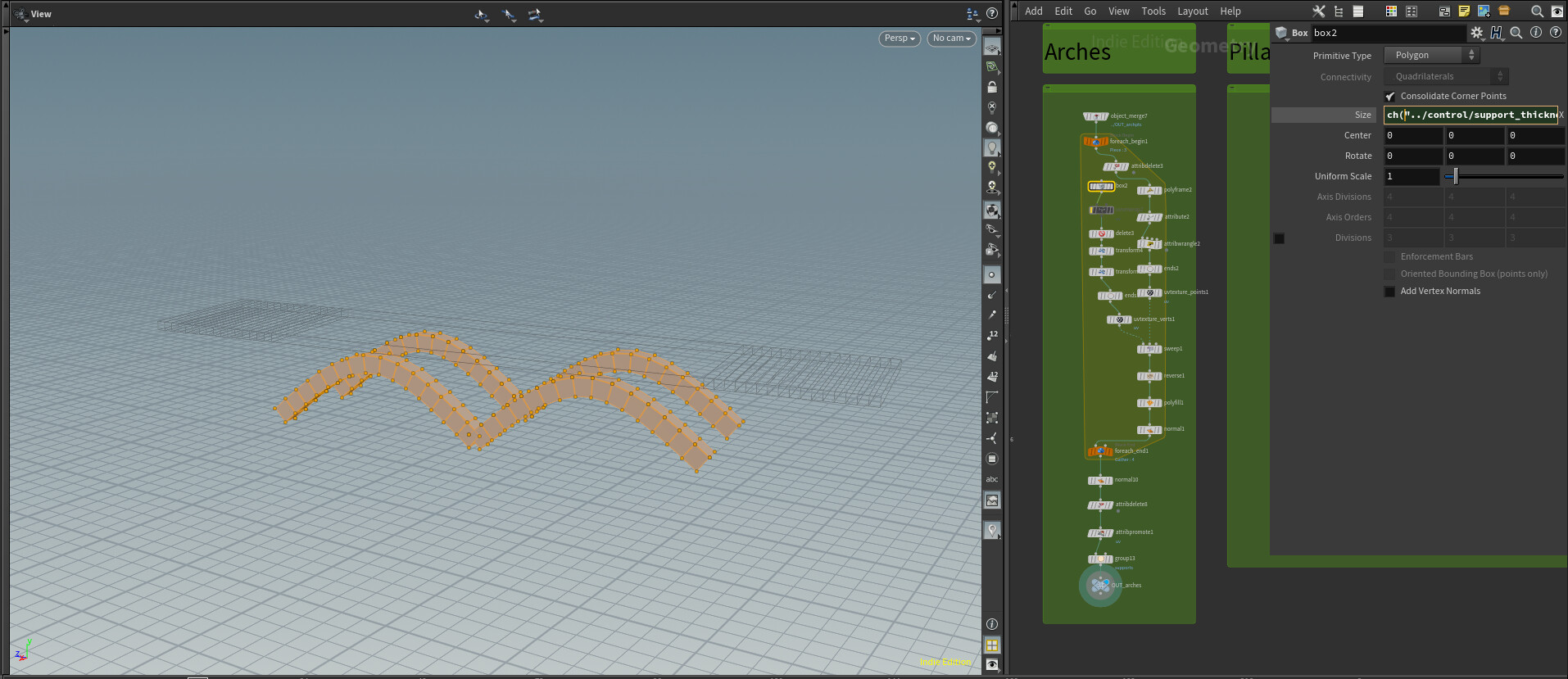
I then create small support pillars that go from the arches to the roadbed and between the two arches. This is just standard instancing to points, but I use the roadbed extruded in the negative Y as a bounding box to create a group of points below the roadbed. This group has pillars extending up to meet the roadbed, whereas the "above" group has pillars extending down to meet the roadbed. There aren't any pillars above in this case, but with the control parameters, the arch can be extended above the roadbed as you can see in the animation above. The pillar geometry is also boolean subtracted with the roadbed to cut it off at the proper height.

Here is a shot of a bridge with more pillars to give you a better idea of what is happening:

Next we add railings, using standard copy to points and sweeps. The highlighted vex node is grouping every 10th point (that isn't an end point) into a group called "large" that we will instance slightly larger railings to add some variation.

Next we add supports under the curved start/end sections. This is done by instancing to points, but if the support pillar will be too close to the terrain, it is removed (seen in the vex code below).

Finally we merge it all together for the final output!

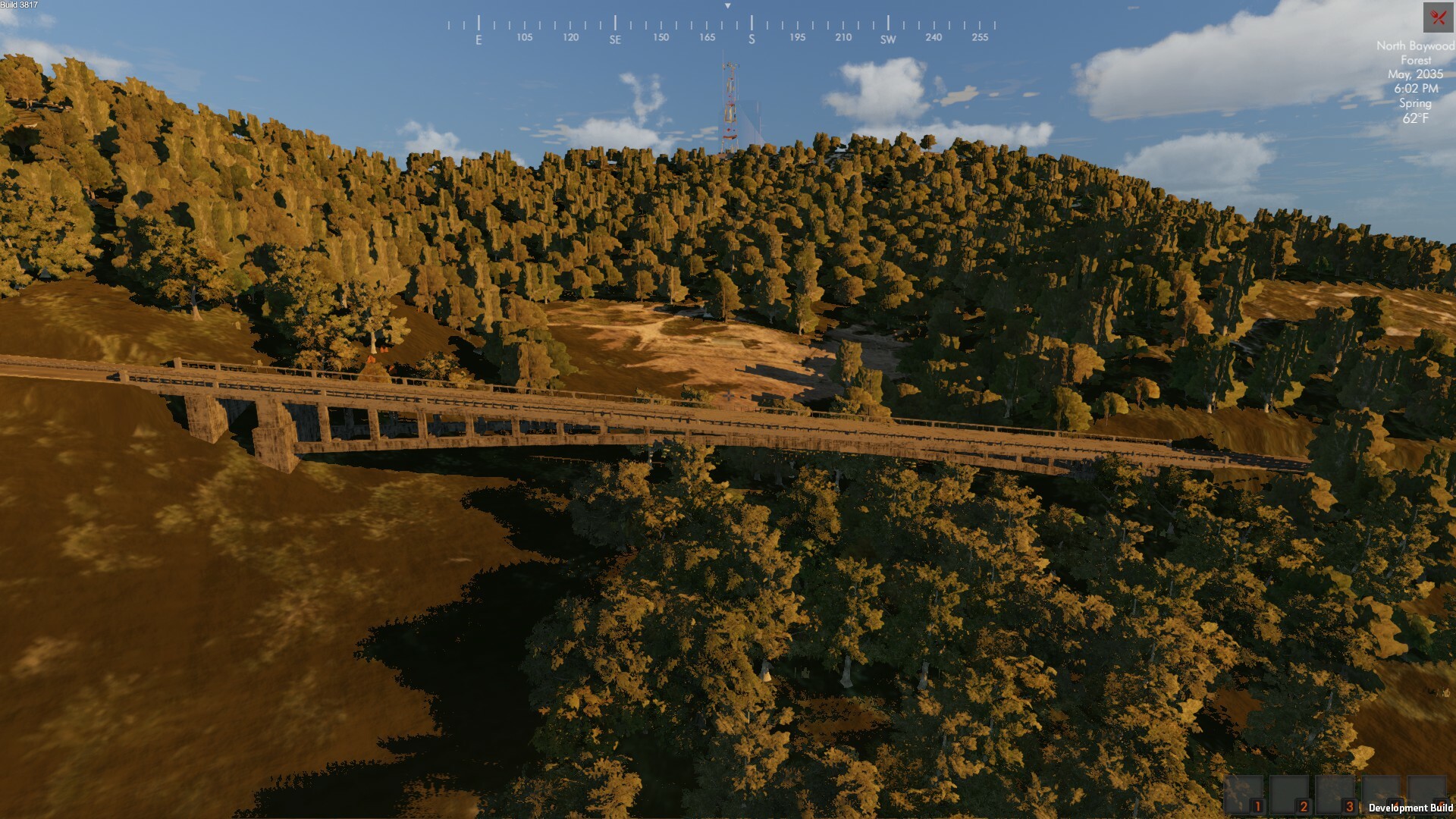
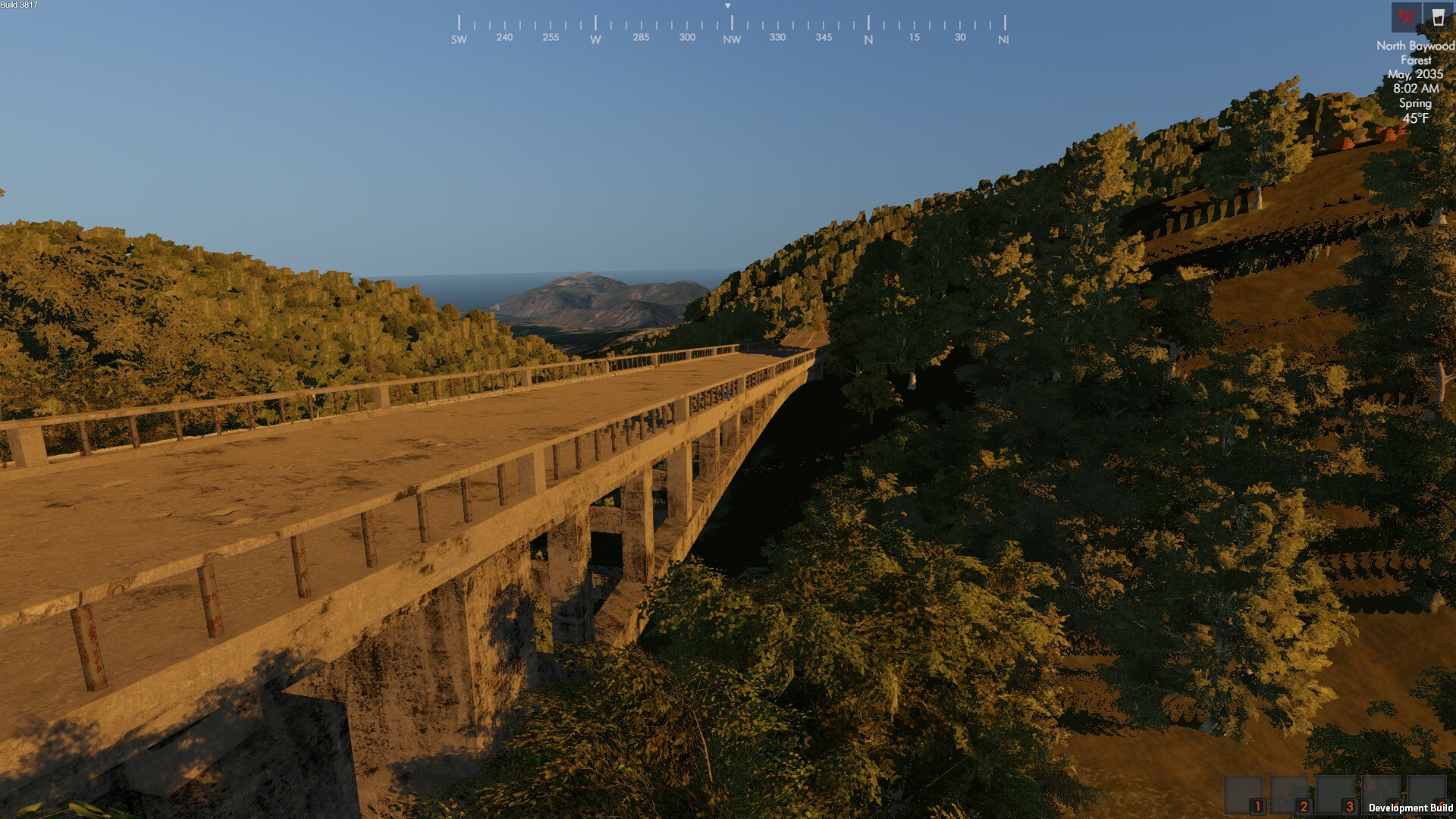
Here are some bridges that appear in various locations in-game:

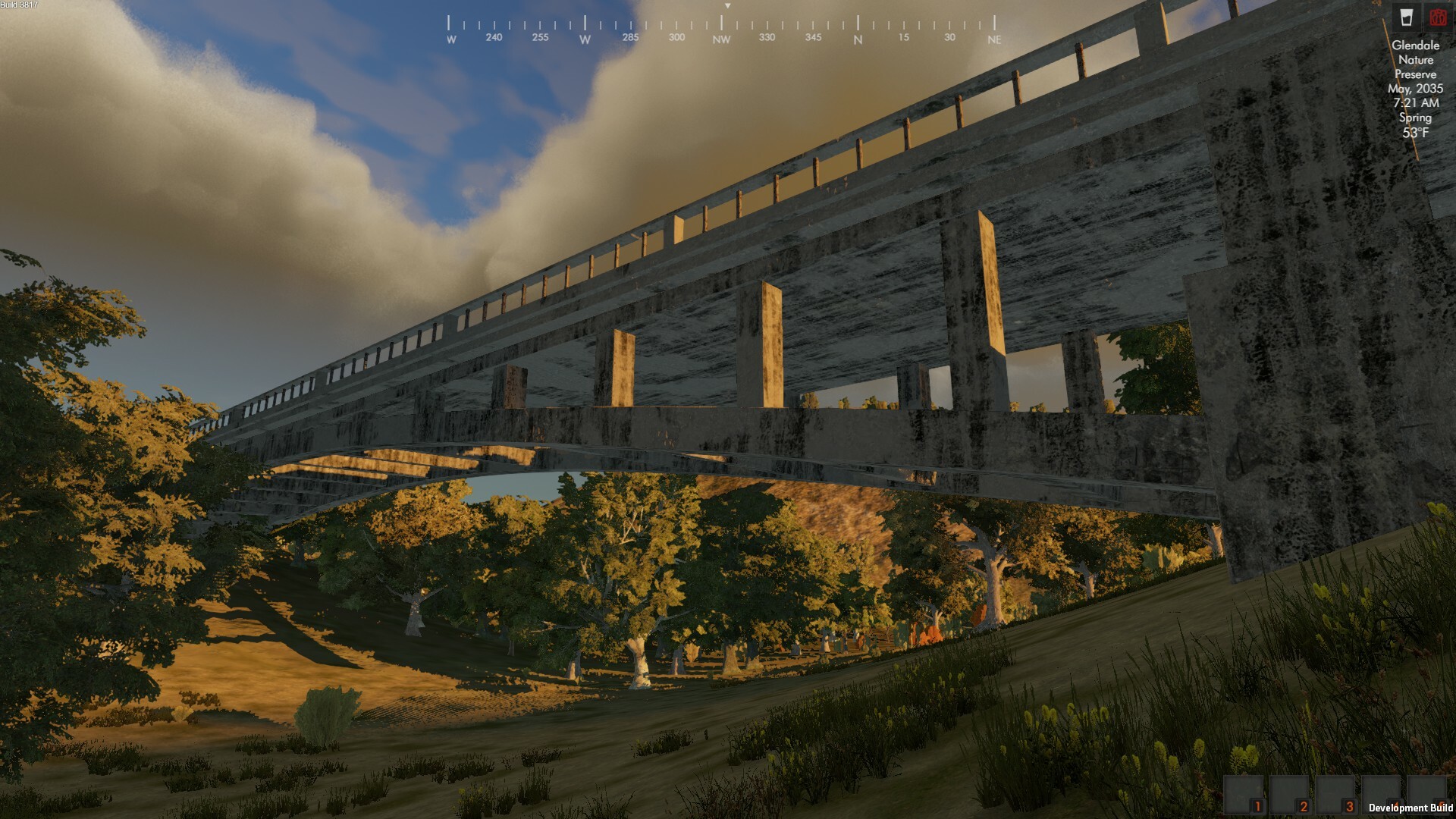
I even brought one bridge back into Houdini and did an RBD fracture sim to create a broken bridge!